Your Home’s Digital
Owner’s Manual
AruHome helps you track appliances, warranties, documents, expenses, and recurring maintenance — all in one iPhone app.
Your home. Organized. Maintained. Protected.


- ✓Home inventory
- ✓Maintenance reminders
- ✓Warranty tracking
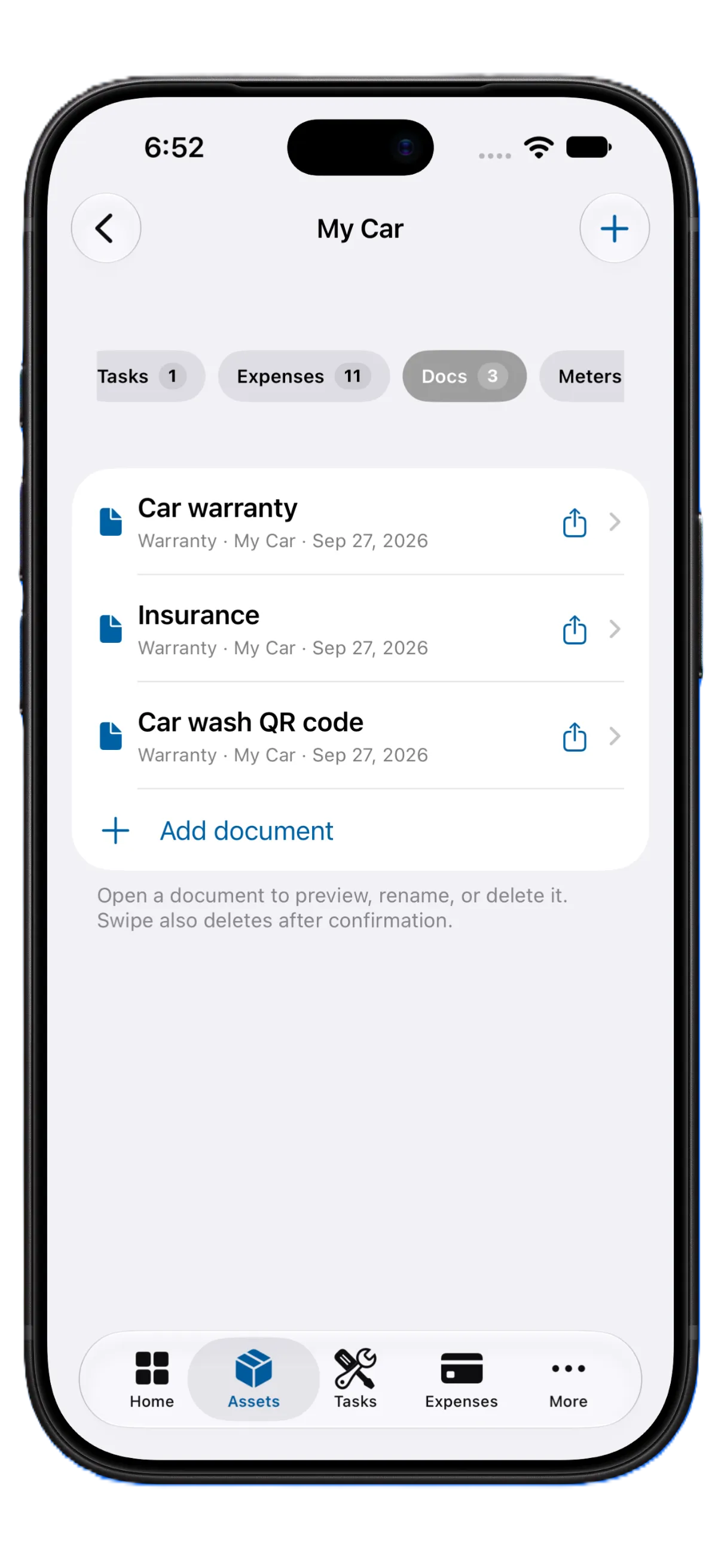
- ✓Documents & receipts
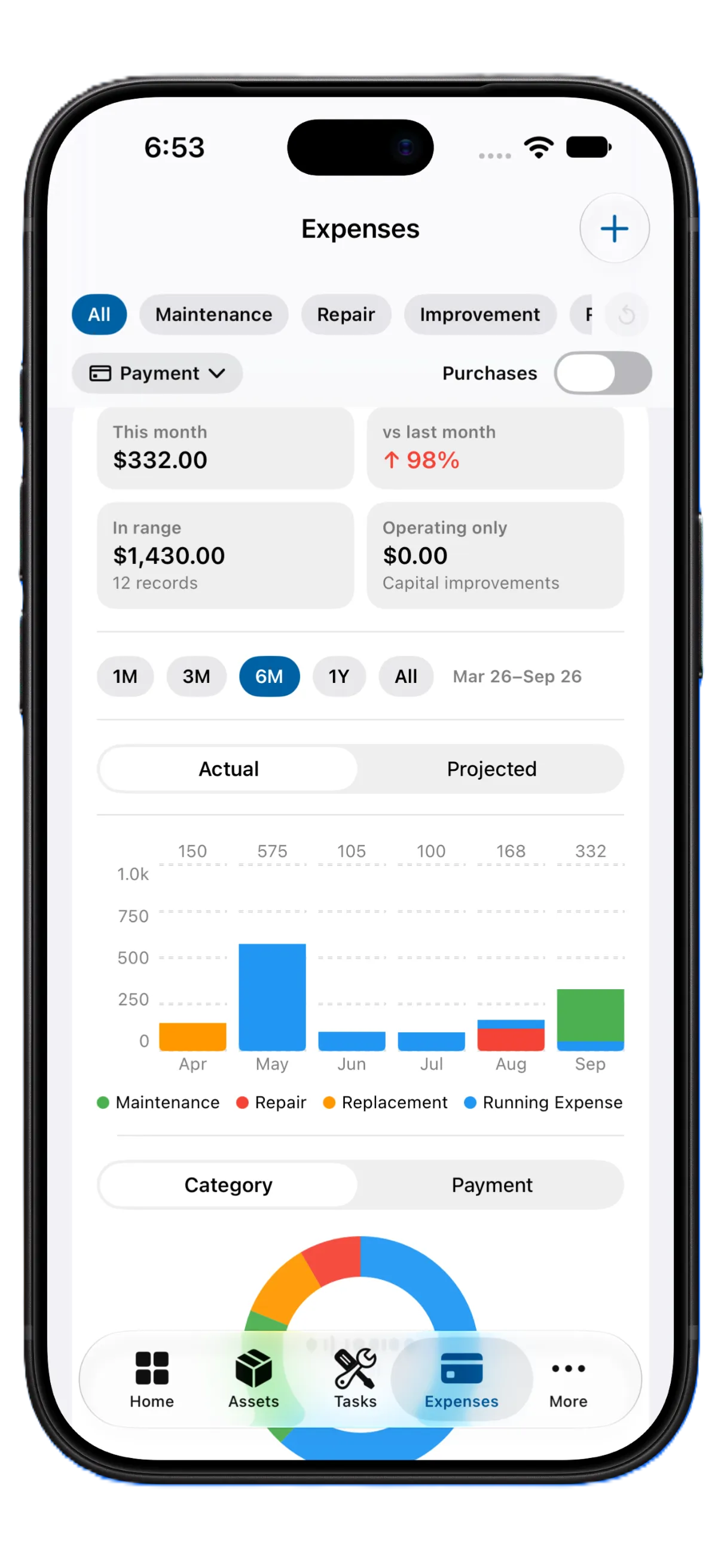
- ✓Expense tracking
- ✓Works offline
- ✓Optional iCloud sync
How it works
AruHome makes it simple to digitize and manage your home in five steps.
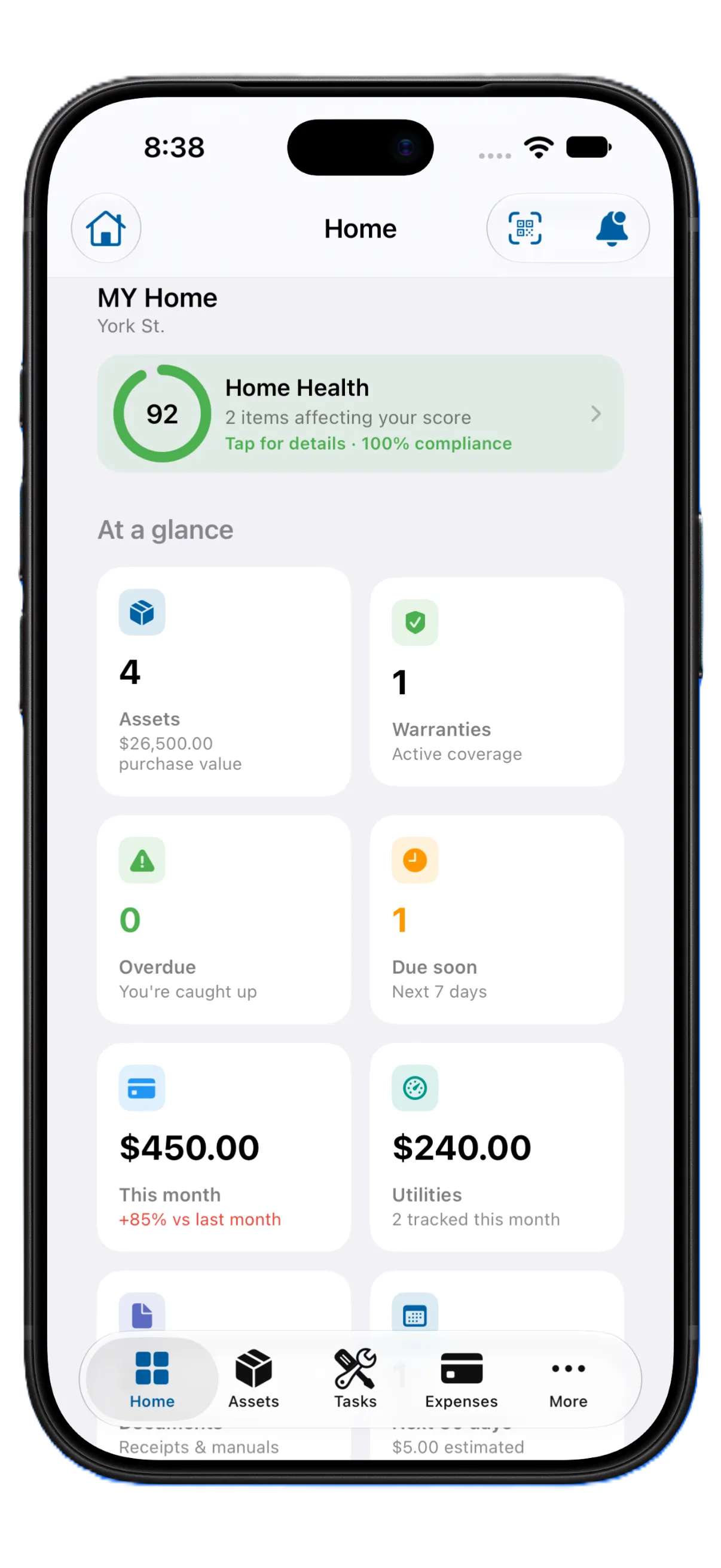
Add your home
Create your property and start adding assets.
Scan & organize
Point the camera at a label. On-device OCR can fill brand, model, and serial. Attach receipts, photos, and warranties.
Stay on schedule
Use maintenance templates and reminders so routine upkeep does not slip.
Know your home
Track expenses, service history, utilities, and what is due next.
Keep your records
Export a backup or generate reports for insurance, taxes, or a sale.
One app for every stage of home ownership
New homeowner
Get appliances, systems, warranties, and documents organized from day one.
Established homeowner
Stay ahead of maintenance and keep a complete history of the home.
Preparing to sell
Share a clear record of assets, improvements, and professional work.
Renters
Document the apartment, keep appliance info, and store move-in / move-out records.
Everything for proactive homeowners
Move from reactive repairs to a home you can actually manage.
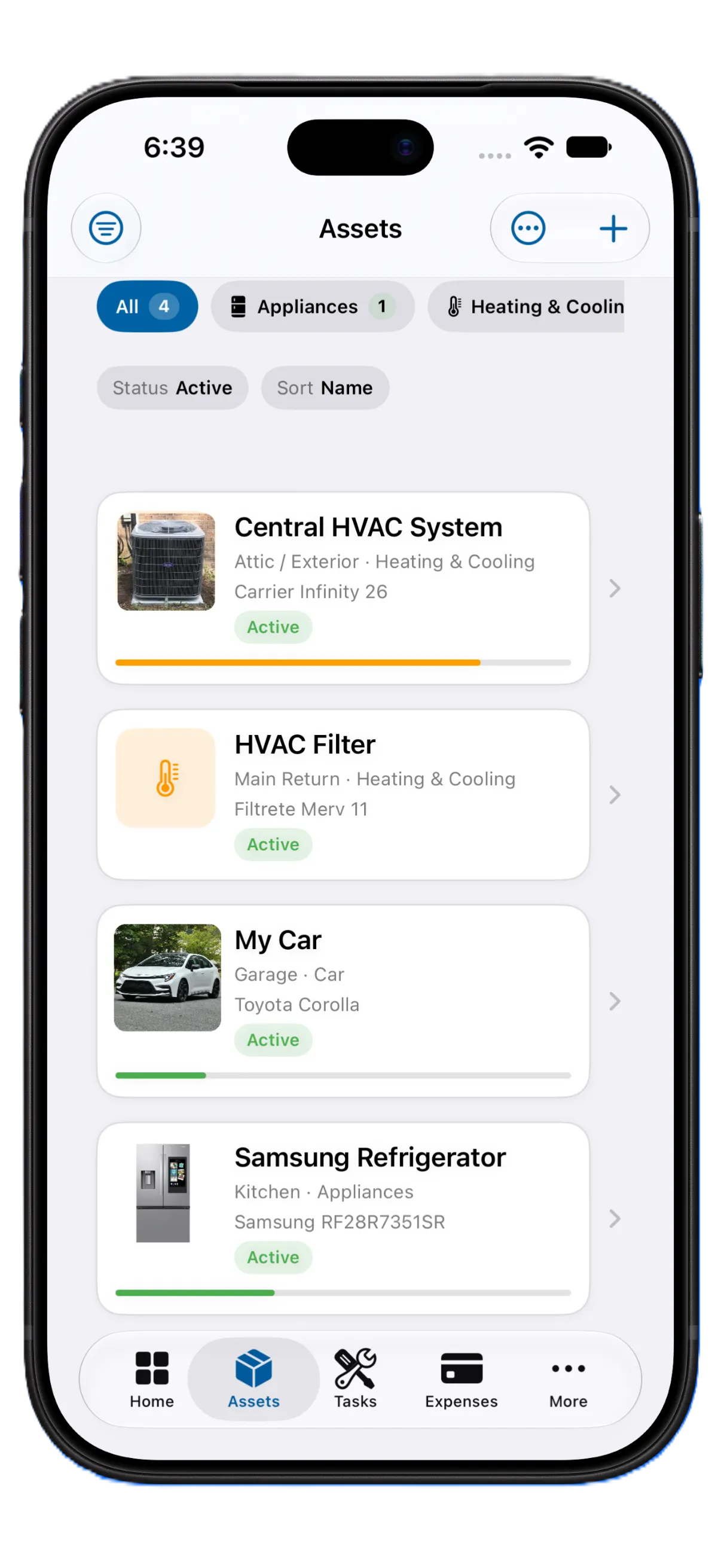
Know what’s in your home
Store brand, model, serial numbers, purchase dates, and rooms. Scan a label to capture the plate instead of typing it.
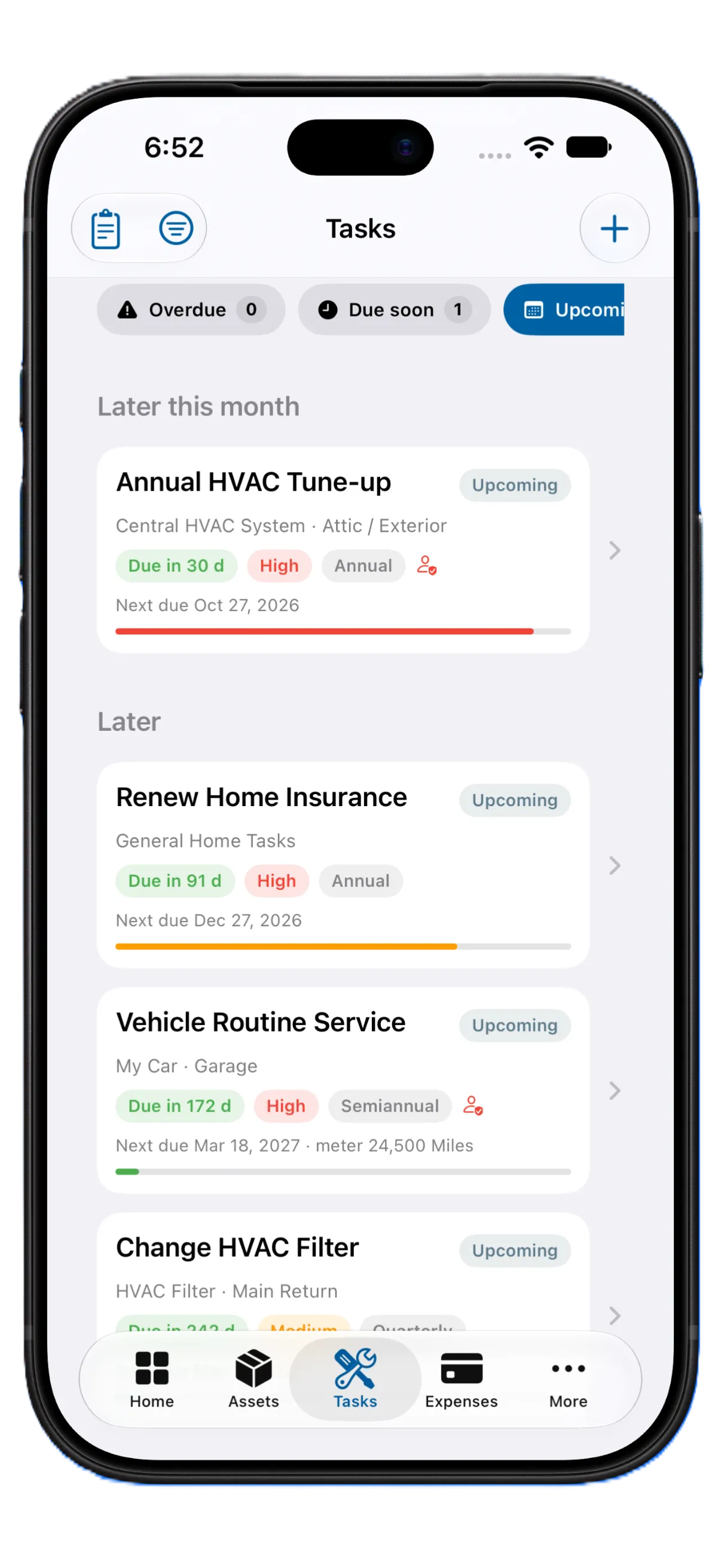
Never miss maintenance
Built-in templates for HVAC, appliances, and more — with difficulty, checklists, and why the task matters.
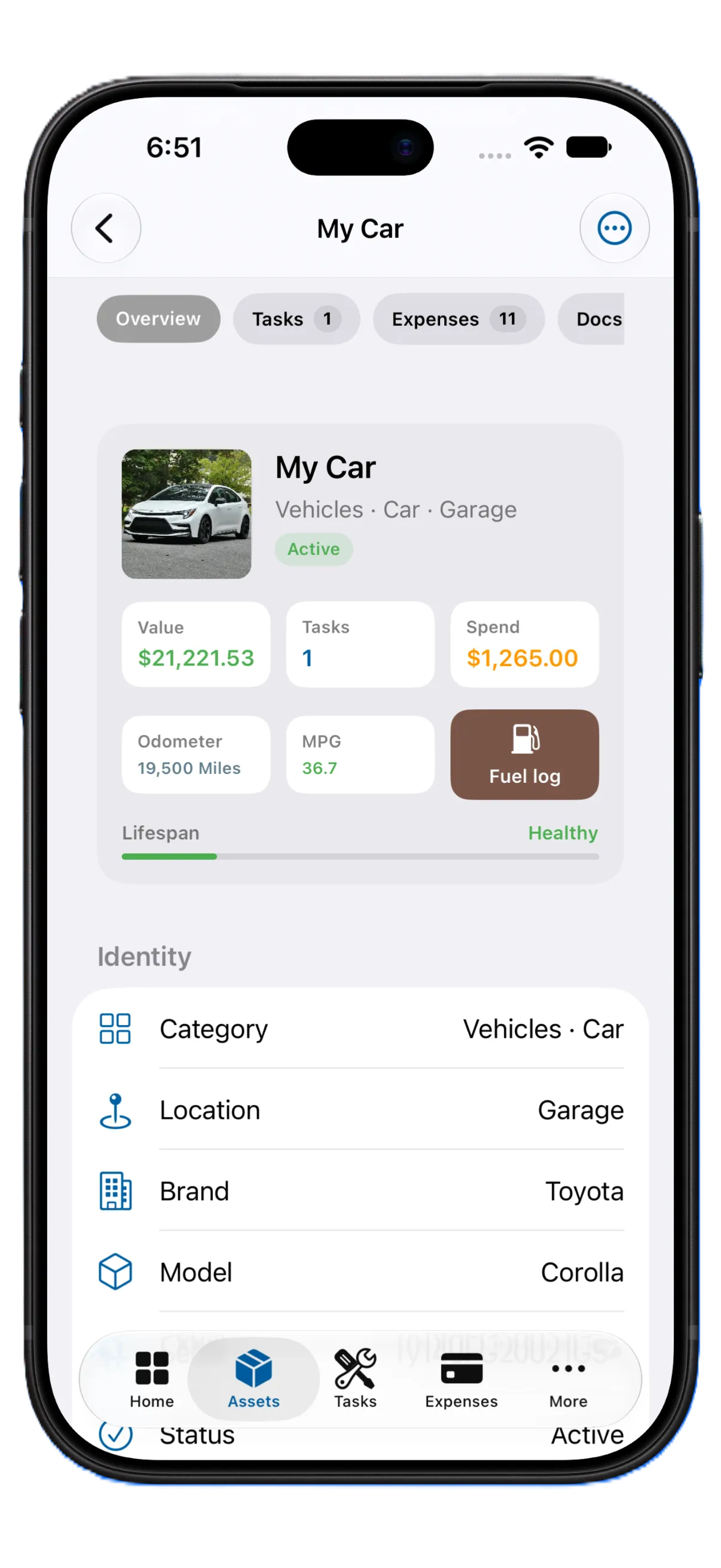
Know when to repair or replace
Track repair cost against the asset’s value with the AruHome Burden Ratio so you can see when a replacement is the smarter spend.
Keep your records organized
Get alerts before warranties end. Attach photos and documents to each item. Export when you need a copy off the phone.
Renting? AruHome works for you too.
Document the apartment, keep appliance information organized, store important papers, and keep a record you can take with you.
- ✓Appliance inventory
- ✓Receipts
- ✓Move-in documentation
- ✓Documents
- ✓Photos
- ✓Property information
- ✓Maintenance records
- ✓Move-out records
Repair vs. Replace
Calculate your AruHome Burden Ratio to see when buying new beats another repair.
Your home data stays with you
- ✓No AruHome account.
- ✓No ads or tracking.
- ✓We do not host your inventory on our servers.
- ✓Works offline.
- ✓Optional iCloud sync and iCloud Drive backup use your Apple ID. We cannot see those records.
- ✓Purchases go through Apple. We never see your card or Apple ID.
- ✓Label scanning runs on the device.
- ✓Export a backup whenever you want.
Built for iOS
Home Screen widget
See the next due task without opening the app.
Utilities
Track meters and readings alongside the rest of the home.
QR labels
Print a label and open that item again later from the camera.
Reports
Insurance, inventory, warranty, tax, and home-sale style PDFs.
Requires iPhone with iOS 18 or later.
Free to download. Optional one-time unlock.
Not a subscription. One-time payment. Lifetime access.
Free includes
- ✓1 home
- ✓Up to 10 assets
- ✓2 photos and 2 documents per asset
- ✓6 months of history
- ✓Tasks, meters, warranties, reminders
- ✓Home inventory PDF
Toolkit unlocks
- ✓Unlimited homes and assets
- ✓Full history
- ✓Extra PDF reports
- ✓QR labels
- ✓CSV import / export
- ✓Custom categories and bulk edit
Unlock the Toolkit in the app after you download AruHome.
Checklists for the week you actually need them
A home inventory is easiest to start at closing, before a claim, or when a warranty is about to end.
Home inventory list for insurance
What to record for each item, room by room, so a claim is not a guessing game.
What to record after buying a house
Model plates, shutoffs, warranties, and the seller’s paperwork from the first month.
What to save for a warranty
The receipt, the serial plate, and the end date — before the box goes to recycling.